In-Person Workshop: Microsoft Entra Applied Skills
📍 Blanchardstown, Ireland | 📅 Saturday, November 8, 2025 | 💡 Cost: Free per person
Hands-on labs, expert coaching, and everything you need to pass the Microsoft Applied Skills assessment. Places are limited — apply now.
What You’ll Learn
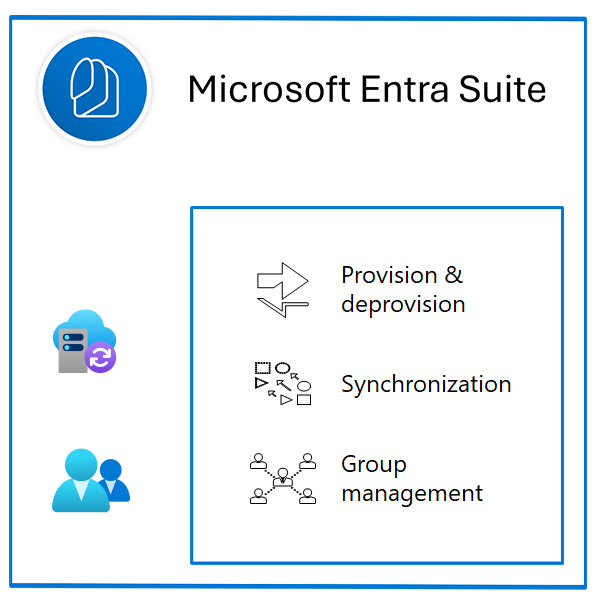
Users & Groups
Manage identities, roles, and licenses in Entra ID
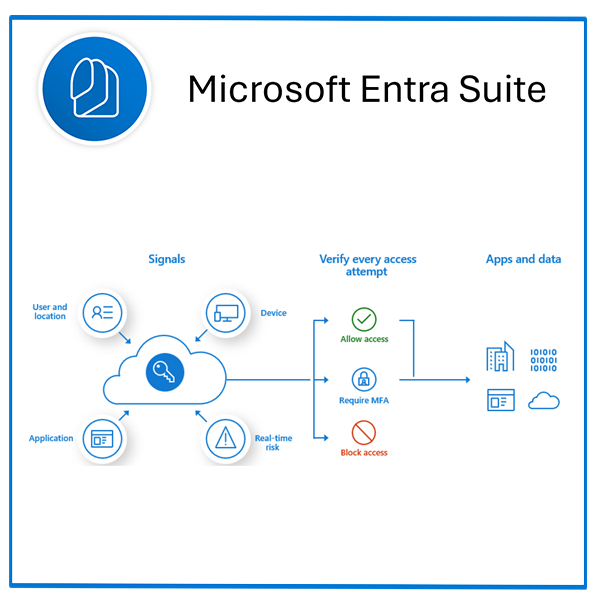
Conditional Access
Control access with robust, secure policies
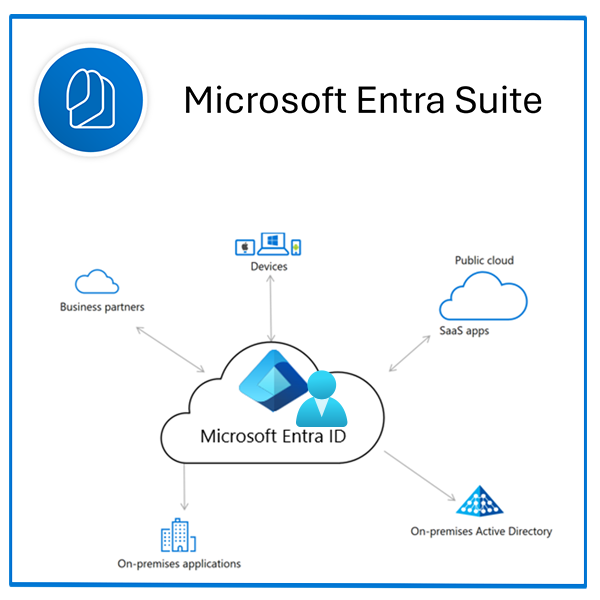
Authentication & Authorization
MFA, SSPR, and secure sign-in experiences
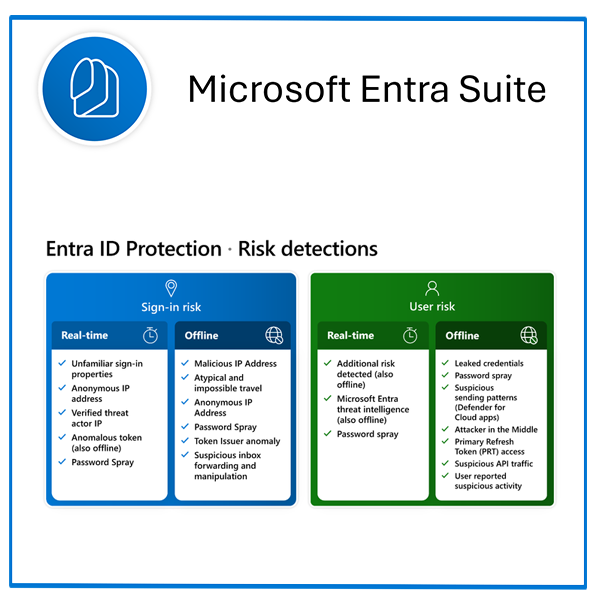
Identity Protection
Risk policies, detections, and mitigations
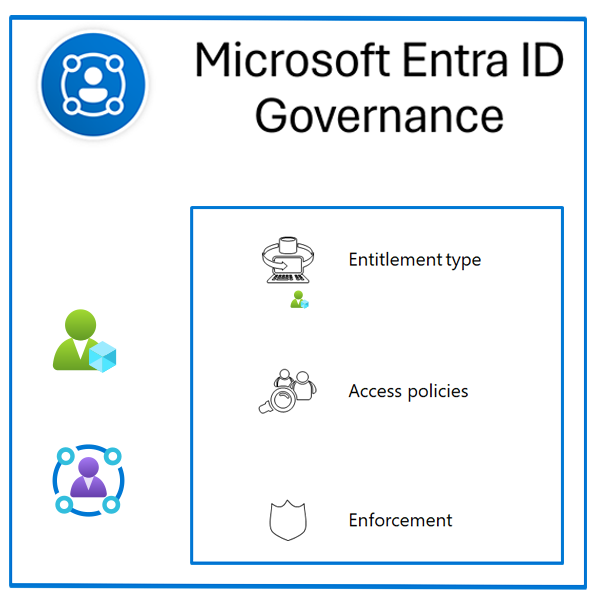
Governance
Access reviews & entitlement management
Hands-On Labs & Assessment Tips
Practice-focused guidance to pass with confidence
Avio Presentation Systems
Unit 9, Block 8, Blanchardstown Corporate Park 1, D15 YV66
Saturday November 8, 2025 · 10:00–16:00
Free per person, instructor-led training to build real skills with Microsoft Entra and prepare for the Microsoft Applied Skills: Get started with identities and access assessment.
Learn how to manage users and groups, configure Conditional Access, secure sign-ins, and protect identities — all through guided labs and expert coaching. Seats are limited to keep the session hands-on.
Reserve Your PlaceTravel Information
Parking
Parking is available on-site within Blanchardstown Corporate Park 1. Please allow a few minutes to find a bay near Unit 9, Block 8 (Eircode D15 YV66).
- • Arrive 10–15 minutes early to park and sign in.
- • Observe any marked visitor or time-limited spaces.
- • If on-site spaces are busy, there are additional bays along the internal park roads.
Public Transport
Blanchardstown area is served by Dublin Bus routes to/from the city centre and surrounding suburbs. From Blanchardstown Shopping Centre, local taxis or a short ride can bring you to the Corporate Park.
- • Check timetables in advance at your preferred journey planner.
- • Allow extra time at weekends for reduced services.
Driving & Arrival Tips
- • Use the Eircode D15 YV66 in your sat‑nav for the most accurate directions.
- • The Corporate Park is close to the N3 and M50; follow internal signage for Block 8.
- • Sign in at reception on arrival and follow event signage to the training room.
- • Light refreshments provided; nearby cafés are available during breaks.
- • Accessibility: step‑Free per person, access available. If you have specific needs, please contact the organiser in advance.
Reserve Your Free per person, Seat

- Sat 8 Nov 2025
- 10:00 – 16:00
Your Hands-On Microsoft Entra Day
A focused, instructor-led workshop to get you assessment-ready for Microsoft Applied Skills: Get started with identities and access using Microsoft Entra. Expect short demos followed by guided labs on Users & Groups, Authentication, Conditional Access, Identity Protection and Governance, with coaching and Q&A throughout.
Managing Identities and Access using Microsoft Entra ID
Microsoft Applied Skill — Aimed at Beginners
Course Structure and Learning Outcomes
The course spans 4 hours and covers foundational skills in identity and access management (IAM) with Microsoft Entra ID. Participants will learn to create and manage identities, configure authentication methods, implement access policies, and apply governance features. Key learning outcomes include understanding IAM concepts, managing users and groups, configuring multi-factor authentication (MFA), and performing identity protection tasks.
Module Breakdown
Module 1: Create, Configure, and Manage Identities
Focuses on core identity concepts, user and group management, and directory roles. Includes a lab activity for practical application and a knowledge check.
Module 2: Describe the Authentication Capabilities of Microsoft Entra ID
Covers authentication methods, MFA, passwordless options, and single sign-on (SSO). Participants will enable MFA and test login scenarios.
Module 3: Describe Access Management Capabilities of Microsoft Entra
Explains role-based access control (RBAC) and conditional access policies, with practical implementation of MFA on risky sign-ins.
Module 4: Describe Identity Protection and Governance Capabilities
Discusses identity protection, risk-based conditional access, and access reviews, culminating in a lab activity to enable ID protection and create access reviews.
Module 5: Get Started with Identity and Access Labs
Integrates all learned concepts into a comprehensive lab scenario, demonstrating real-world IAM skills, followed by a final assessment.
Completion Requirements
Learners must achieve a minimum of 80% on all quizzes and successfully complete lab tasks to finish the course.
Trainer Information
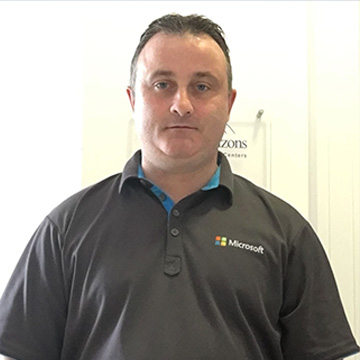
Microsoft Certified Trainer
Robert Atkinson
Expert in Microsoft cloud technologies and identity management. Passionate about helping learners succeed through practical, hands-on learning.

Microsoft Certified Trainer
Onyinye Madubuko
Specialist in Microsoft 365 and Azure AD. Focused on enabling students and IT pros to gain real-world confidence with Entra and modern identity solutions.